
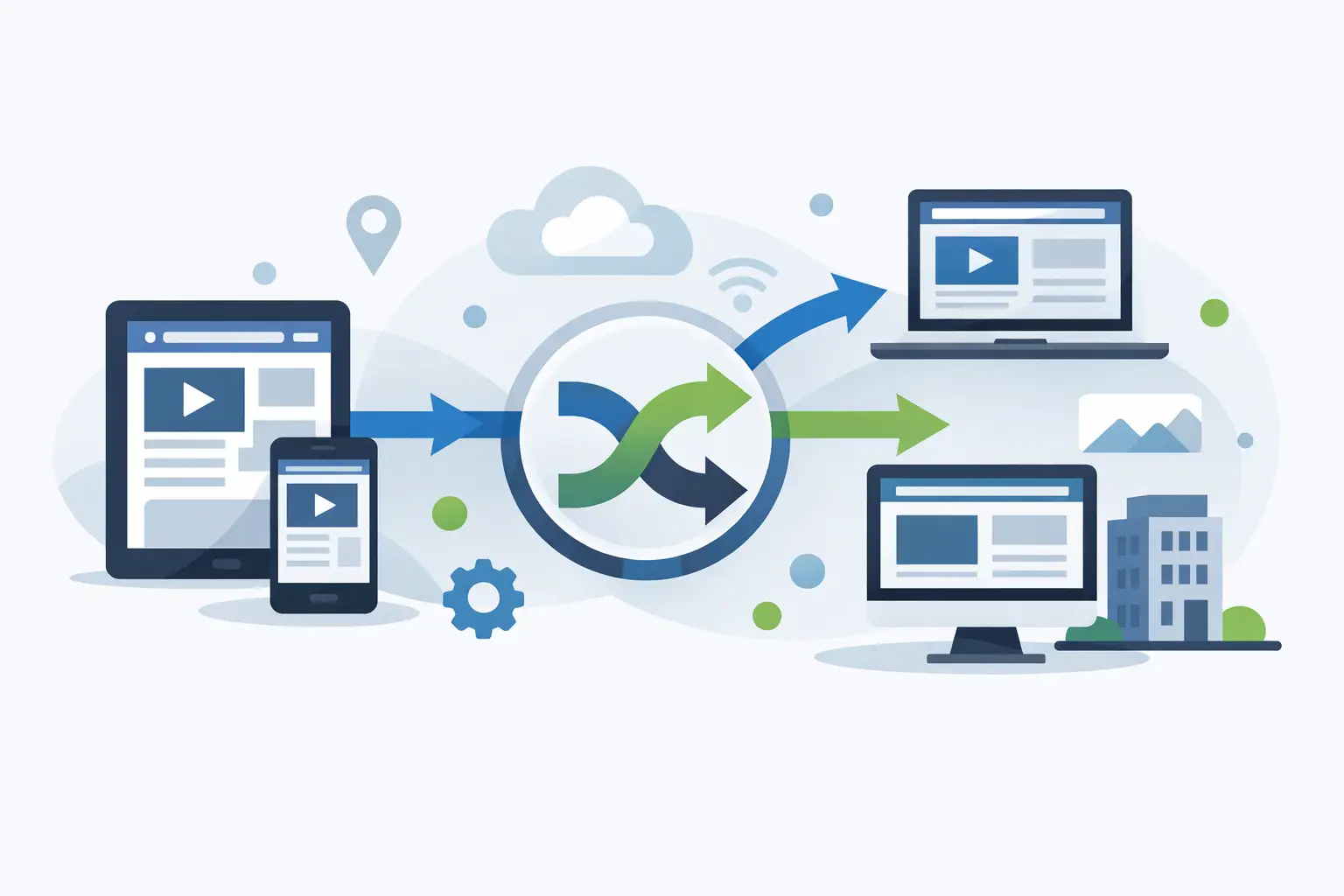
نحوه مسیریابی لینک ها توسط دستگاه بدون حدس و گمان
نحوه مسیریابی پیوندها بر اساس دستگاه با قوانین واضح برای تلفن همراه، دسکتاپ و رایانه لوحی را بیاموزید - ارتباط کمپین را بدون از دست دادن اندازه گیری و اعتماد بهبود می بخشد.
ترجمهشده از انگلیسی با MyMemory + Google Translate reserve
پیوندی در یک پست اجتماعی ممکن است در تلفن در حین رفت و آمد، در لپتاپ بین جلسات یا در داخل مرورگر داخلی برنامه باز شود. فرستادن هر بازدیدکننده به یک مقصد می تواند اصطکاک غیر ضروری ایجاد کند. وقتی پیوندها را بر اساس دستگاه هدایت میکنید، میتوانید تجربهای متناسب با صفحه و زمینهای که واقعاً از آن استفاده میکنند به افراد بدهید و در عین حال کمپین را قابل اندازهگیری نگه دارید.
هدف ایجاد یک سفر متفاوت برای هر بازدید کننده نیست. گرفتن چند تصمیم مسیریابی واضح است که دسترسی را بهبود می بخشد، کاهش افت را کاهش می دهد، و هنگامی که شخصی در تیم شما می پرسد ترافیک کجا رفته است، توضیح آن آسان است.
مسیریابی لینک مبتنی بر دستگاه چه کاری انجام می دهد
مسیریابی مبتنی بر دستگاه، بازدیدکننده را بر اساس سیگنالهای دستگاهش، مانند اینکه آیا از تلفن همراه، رایانه رومیزی یا رایانه لوحی استفاده میکند، به مقصدی میفرستد. یک لینک کوتاه مارک دار یا کد QR می تواند هر گروه را به صفحه مناسب تری هدایت کند.
برای مثال، یک استودیوی تناسب اندام ممکن است بازدیدکنندگان تلفن همراه را به یک صفحه رزرو سریع و بازدیدکنندگان دسکتاپ را به صفحه مقایسه عضویت کاملتر بفرستد. یک شرکت نرم افزاری می تواند کاربران آیفون را به اپ استور اپل، کاربران اندروید را به گوگل پلی و بازدیدکنندگان دسکتاپ را به نمای کلی محصول یا برنامه وب هدایت کند.
این مفید است زیرا زمینه دستگاه کاری را که بازدیدکننده می تواند به طور منطقی انجام دهد تغییر می دهد. یک بازدیدکننده تلفن همراه ممکن است یک فرم کوتاه، دکمه ضربه به تماس، مسیرهای نقشه یا نصب برنامه بخواهد. یک بازدیدکننده دسکتاپ ممکن است آماده مقایسه طرحها، دانلود یک سند یا تکمیل فرآیند خرید طولانیتر باشد.
مسیریابی باید از وظیفه بازدیدکننده پشتیبانی کند، نه اینکه یک فرض بازاریابی را تحمیل کند. تلفن همیشه به این معنی نیست که شخصی یک برنامه می خواهد، و جلسه دسکتاپ همیشه به این معنی نیست که کسی یک صفحه فروش طولانی می خواهد. مقصد همچنان باید با وعده ای که آنها را به آنجا رسانده مطابقت داشته باشد.
با یک دلیل واضح برای تقسیم ترافیک شروع کنید
قوی ترین قوانین مسیریابی یک مشکل قابل مشاهده را حل می کند. قبل از تنظیم مقصد دستگاه، به جایی که بازدیدکنندگان تردید دارند، آن را رها می کنند یا با صفحه ای مواجه می شوند که به خوبی روی صفحه نمایش آنها کار نمی کند، نگاه کنید.
یک دلیل عملی ممکن است این باشد که تسویه حساب تلفن همراه شما بهتر از تسویه حساب دسکتاپ شما است یا اینکه برنامه شما فقط از طریق فروشگاه های پلتفرم خاص در دسترس است. همچنین ممکن است یک کمپین QR اجرا کنید که در آن تقریباً هر اسکن روی تلفن انجام می شود. در آن صورت، مسیر تلفن همراه مستحق توجه ویژه است، در حالی که دسکتاپ میتواند برای افرادی که بعداً همان پیوند را از ایمیل یا مرورگر باز میکنند، یک بازگشت مفید باقی بماند.
از تقسیم ترافیک فقط به دلیل وجود گزینه اجتناب کنید. قوانین بیشتر مکان های بیشتری را برای پنهان کردن نشانی اینترنتی قدیمی، خطای ردیابی یا مقصد خراب ایجاد می کند. اگر همان صفحه در همه دستگاهها خوب عمل کند، نگه داشتن یک مقصد اغلب انتخاب واضحتری است.
یک سوال بپرسید: پس از تغییر مسیر، این بازدید کننده می تواند چه کاری را راحت تر انجام دهد؟ اگر پاسخ مبهم است، لینک را ساده نگه دارید.
روش های متداول برای مسیریابی لینک ها بر اساس دستگاه
مسیریابی دستگاه زمانی بهترین کار را انجام می دهد که هر مسیر مطابق با نیاز کاربر مشخص باشد. این چهار مورد از مفیدترین الگوها برای بازاریابان، سازندگان و مشاغل کوچک هستند.
- نصب برنامه: بازدیدکنندگان iOS را به اپ استور اپل، بازدیدکنندگان اندروید را به Google Play و بازدیدکنندگان دسکتاپ را به صفحه ای که برنامه را توضیح می دهد یا جایگزینی مبتنی بر وب ارائه می دهد ارسال کنید.
- کمپین های QR اول موبایل: کاربران تلفن را به صفحه فرود با کپی مختصر، دکمه های بزرگ، جهت های محلی یا جریان رزرو هدایت کنید. اگر به کاربران دسکتاپ بعداً به پیوند کمپین رسیدند، صفحه ای با جزئیات بیشتر بدهید.
- ** سازگار با پلتفرم دانلودها:** بازدیدکنندگان را به صفحه دانلود صحیح برای یک برنامه تلفن همراه، برنامه دسکتاپ، برنامه افزودنی مرورگر یا سیستم عامل هدایت کنید.
- مسیرهای تبدیل مناسب دستگاه: ترافیک تلفن همراه را به فرم سرنخ سریع، انتخاب پیام متنی یا گزینه تماس ارسال کنید، در حالی که ترافیک دسکتاپ به یک درخواست آزمایشی دقیق یا فرم نقل قول می رود.
لازم نیست مقصدها وب سایت های کاملاً متفاوتی باشند. اغلب، رویکرد بهتر این است که از صفحاتی با پیشنهاد یکسان، اما طرحبندی، طول فرم، فراخوان برای اقدام یا اطلاعات پشتیبانی متفاوت استفاده کنید.
قوانین مسیریابی را بسازید که افراد می توانند ممیزی کنند
وضوح به اندازه هدف گذاری اهمیت دارد. تنظیم مسیریابی باید بدون خواندن گزارش های فنی یا حدس زدن رفتار پلت فرم پنهان قابل درک باشد.
هر مسیر را بر اساس هدفش نام ببرید. "Spring QR - رزرو تلفن همراه" مفیدتر از "قانون 3" است. مقصد اصلی، مخاطب مورد نظر و مقصد بازگشتی را ثبت کنید. این به تیم شما راهی سریع میدهد تا بررسی کند که آیا این قانون همچنان در خدمت کمپین است یا خیر.
یک ساختار معقول این است که یک مسیر موبایل، یک مسیر دسکتاپ و یک مسیر پیش فرض برای هر چیز نامشخصی تعریف کنید. تبلت ها نیز مستحق یک تصمیم عمدی هستند. بسته به مخاطبان شما، آنها ممکن است بیشتر شبیه کاربران دسکتاپ، بیشتر شبیه کاربران تلفن همراه رفتار کنند یا به مقصد خود نیاز داشته باشند. برای مثال، منوی رستوران ممکن است با مسیر تلفن همراه در تبلت به خوبی کار کند. یک صفحه نمایشی محصول B2B ممکن است برای مسیر دسکتاپ مناسب تر باشد.
مسیر پیش فرض شما یک فکر بعدی نیست. تشخیص دستگاه می تواند ناقص باشد، به ویژه با مرورگرهای متمرکز بر حریم خصوصی، مرورگرهای درون برنامه، سیستم عامل های غیر معمول و تغییر استانداردهای عامل کاربر. بازگشت مجدد باید به یک صفحه مفید و کاملاً سازگار منجر شود تا یک خطا یا بن بست.
با پلتفرمی مانند Lumeraya Links، مزیت عملی آن داشتن مسیریابی، لینک های مارک، کدهای QR و گزارش در یک نمای حساب است. تصمیم همچنان با شماست، اما جزئیات عملیاتی قابل مشاهده است: بازدیدکنندگان کجا هدایت شدند، پس از کلیک چه اتفاقی افتاد و آیا مقصدی نیاز به توجه دارد یا خیر.
از اندازه گیری پشت پیوند محافظت کنید
مقصد مرتبط تر تنها زمانی ارزشمند است که بتوانید عملکرد آن را درک کنید. زمانی که هر مقصد از تجزیه و تحلیل صفحه، رویدادهای تبدیل یا پارامترهای کمپین مختلف استفاده می کند، مسیریابی دستگاه می تواند گزارش را پیچیده کند.
یک سیستم نامگذاری کمپین ثابت در سراسر مسیرها حفظ کنید. اگر همان تبلیغات دارای صفحه موبایل و صفحه دسکتاپ است، از یک شناسه کمپین مشترک با برچسب دستگاه واضح استفاده کنید. این کار مقایسه مسیرها را بدون اختلاط آنها با ترافیک نامرتبط آسان تر می کند.
بیش از کلیک اندازه گیری کنید. یک مسیر تلفن همراه ممکن است کلیکهای بیشتری به دست آورد زیرا کاربران تلفن همراه احتمالاً کدهای QR را اسکن میکنند، اما اگر استفاده از فرم دشوار باشد، فرمهای تکمیلشده کمتری تولید میکنند. بازدیدها، نرخ تبدیل، اقدامات تکمیل شده، و هر سیگنال درآمدی یا سرنخ واجد شرایطی که برای کمپین مهم است را مرور کنید.
فیلتر ربات نیز مهم است. خزندههای خودکار، ابزارهای پیشنمایش و اسکنرهای امنیتی میتوانند پیوندی را بدون ارائه یک مشتری واقعی فعال کنند. اگر این بازدیدها مانند بازدیدهای انسانی حساب شوند، یک مسیر می تواند موفق تر یا کمتر از آنچه هست موفق به نظر برسد. در صورت امکان، داده های فیلتر شده و فیلتر نشده را از هم جدا کنید و نتایج را با ترافیک کافی ارزیابی کنید تا از واکنش به تعداد انگشت شماری از کلیک های غیرمعمول اجتناب کنید.
تجربه را تست کنید، نه تنها تغییر مسیر
تغییر مسیری که از نظر فنی کار می کند همچنان می تواند یک تجربه بازدیدکننده ضعیف ایجاد کند. قبل از انتشار گسترده پیوند، هر مسیر را در دستگاه های واقعی آزمایش کنید. آن را از مرورگر تلفن، مرورگر دسکتاپ، تبلت در صورت لزوم، و برنامههای اجتماعی یا پیامرسانی که در آن کمپین ظاهر میشود، باز کنید.
کل مسیر را بررسی کنید. آیا مقصد به سرعت بارگیری می شود؟ آیا عمل اصلی بدون پیمایش بیش از حد قابل مشاهده است؟ آیا فرم ورودی صفحه کلید موبایل را می پذیرد؟ آیا مسیر فروشگاه برنامه به درستی برنامه را شناسایی می کند؟ آیا پارامترهای ردیابی پس از تغییر مسیر وجود دارد؟
همچنین آزمایش کنید که وقتی یک بازدیدکننده مقصد نهایی را به اشتراک می گذارد چه اتفاقی می افتد. برخی از کانال ها پارامترها را حذف می کنند، پیوندها را در مرورگرهای تعبیه شده باز می کنند یا قبل از باز کردن صفحات خارجی هشدار می دهند. اینها محدودیتهای عادی هستند، نه دلایلی برای کنار گذاشتن مسیریابی. آنها دلایلی هستند برای مفید کردن مسیر بازگشتی و اجتناب از تکیه بر یک مکانیسم تبدیل شکننده.
بدانید چه زمانی از مسیریابی دستگاه استفاده نکنید
قوانین دستگاه به طور خودکار شخصی سازی بهتری ندارند. زمانی که پیشنهاد، صفحه و کنش تبدیل از قبل به یک اندازه در تمام صفحهها موثر هستند، میتوانند انتخاب اشتباهی باشند. آنها همچنین می توانند در زمانی که بازدیدکنندگان نیاز به تعویض دستگاه در طول یک فرآیند طولانی تر دارند، مانند بررسی یک پیشنهاد در تلفن و تکمیل پرونده روی دسکتاپ، مشکلاتی ایجاد کنند.
زمانی که ثبات مهمتر از تخصص است از یک مقصد جهانی استفاده کنید. این اغلب فراخوان مناسبی برای اعلامیه های حساس به زمان، اعلان های قانونی، صفحات منابع عمومی و کمپین هایی با ترافیک محدود است. یک مخاطب کوچک ممکن است داده های کافی برای توجیه مسیرهای جداگانه تولید نکند.
مسیریابی دستگاه نیز هرگز نباید قیمتها، شرایط یا در دسترس بودن متفاوت را بدون دلیل تجاری مشخص پنهان کند. بازدیدکنندگان نباید فقط به این دلیل که پیوندی را در یک دستگاه خاص باز کرده اند، پیشنهاد بدتری دریافت کنند. اعتماد زمانی ایجاد می شود که هدف گذاری دسترسی را آسان تر کند، نه زمانی که تفاوت های غیرقابل توضیحی ایجاد کند.
عمل بعدی را قابل مشاهده نگه دارید
مسیرهای فعال را بر اساس برنامه ای که با کمپین های شما مطابقت دارد مرور کنید. آدرسهای اینترنتی فروشگاه برنامه تغییر میکنند، صفحات فرود دوباره طراحی میشوند، تبلیغات منقضی میشوند و یک قانون مفید ممکن است غیرضروری شود. پس از بهروزرسانیهای اصلی سایت و قبل از شروع مجدد کمپین پولی، مقصدهای زنده را بررسی کنید.
بهترین مسیریابی مبتنی بر دستگاه، بی صدا است. بازدیدکننده به صفحهای میرسد که احساس میکند مناسب است، مرحله بعدی را بدون سردرگمی کامل میکند و هرگز مجبور نیست به زیرساخت پشت پیوند فکر کند. با این حال، تیم شما همیشه باید بتواند قوانین را ببیند، نتیجه را تأیید کند و زمانی که دادهها میگویند بازدیدکننده به چیز بهتری نیاز دارد، مسیر را تغییر دهد.