
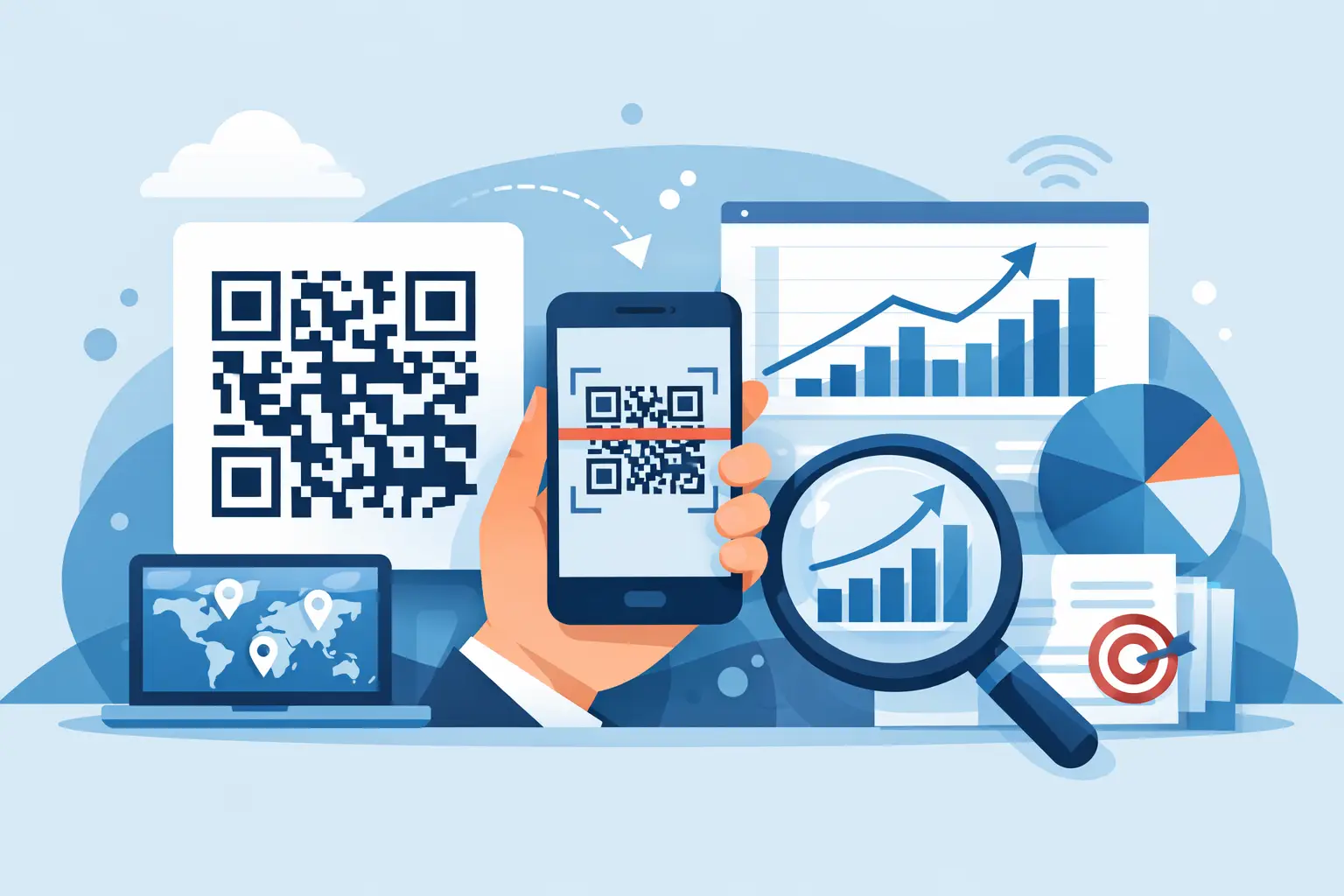
How to Track QR Code Scans With Clear Data
Learn how to track QR code scans with clear metrics, campaign tags, routing rules, and conversion data you can use to improve real-world offline marketing.
A QR code on a store counter, event badge, product insert, or direct-mail piece creates a useful question: did anyone act on it? A static QR code can send people to a page, but it cannot answer that question on its own. Learning how to track QR code scans means using a dynamic code connected to a measurable destination.
The goal is not to collect numbers for a dashboard. It is to understand which physical placements create attention, which campaigns bring qualified visitors, and what those visitors do next. Clear scan data helps you keep what works, change what does not, and explain results without guesswork.
What a QR Code Scan Can Tell You
A tracked QR code records an interaction when someone scans the code and their device requests the short URL behind it. That creates a scan event before the visitor reaches the final destination. Depending on your link management platform and privacy settings, you can typically see the time of the scan, approximate location, device type, operating system, browser, referrer information, and the destination that was served.
This is useful context, but it is not the same as proof of a sale or signup. A scan tells you someone opened the code. A conversion tells you they completed a meaningful action after landing on your website. Strong reporting keeps those two measures separate.
For example, a restaurant might place one QR code on table tents and another on takeout packaging. Both can lead to the same menu, but each code should have its own tracking identity. If takeout packaging generates fewer scans but more online orders, that placement may be more valuable than the scan count suggests.
Use Dynamic QR Codes, Not Static Ones
The first requirement for scan tracking is a dynamic QR code. A static code stores the final website address directly inside the image. Once it is printed, the destination cannot be changed, and reporting is usually limited to whatever your website analytics can infer after a visitor arrives.
A dynamic QR code points to a managed short link instead. The platform records the scan, then redirects the visitor to your chosen page. Because the destination sits behind the code, you can update it later without reprinting the QR image.
That flexibility matters when a campaign changes. A real estate agent can reuse a sign rider while changing the listing page. A creator can update a printed QR code from a past promotion to a current offer. A small business can correct a broken page quickly rather than leaving customers at a dead end.
Dynamic codes also let you assign a distinct code to each placement. Avoid using one QR code everywhere if you need to know where interest came from. The QR image may look identical in purpose, but its tracking link should identify the specific poster, shelf card, flyer, package, or event asset.
How to Track QR Code Scans Step by Step
Start by defining what you need to learn. “Track scans” is a useful beginning, but it is not a measurement plan. Decide whether you are comparing locations, evaluating an event, testing creative, driving appointments, growing an email list, or connecting offline activity to purchases.
Then create a separate dynamic link for each meaningful variation. Give every link a clear internal name, such as spring_market_booth, downtown_window_poster, or order_insert_may. Consistent naming keeps reports understandable after a campaign has been running for weeks.
Next, generate a QR code from each dynamic link and test it before printing. Scan it using more than one phone if possible. Confirm that it opens quickly, uses HTTPS, lands on the correct page, and displays well on a mobile screen. The scan experience should be direct. Sending people to a desktop-heavy homepage wastes the attention you just earned.
Add campaign parameters to the final destination when you also use web analytics. UTM parameters can identify the source, medium, campaign, and placement after the visitor reaches your site. A practical setup might use utm_source=qr, utm_medium=print, and a campaign name tied to the promotion. The dynamic QR platform records the scan, while your site analytics can show behavior and conversions on the destination page.
Finally, review the data on a schedule that fits the campaign. A one-day event may need live monitoring. A postcard campaign may need two or three weeks before results are meaningful. Look for patterns rather than reacting to a handful of scans.
The Metrics That Matter Most
Scan volume is the most visible metric, but it rarely tells the whole story. Use it as a starting point, then compare it with the outcome you intended.
For most campaigns, these measures provide a useful picture:
- Unique scans show how many distinct visitors likely engaged, reducing the effect of one person scanning repeatedly.
- Total scans show repeat interest and can help identify codes that are being shared or revisited.
- Scan time and day reveal when people respond, which is especially helpful for events, retail displays, and transit advertising.
- Location and device data provide broad audience context, not a precise personal profile.
- Landing-page conversions show whether scans resulted in bookings, purchases, form submissions, downloads, or another defined action.
- Bot and invalid traffic filtering helps prevent automated requests from inflating performance reports.
A code with 500 scans and two purchases may be less effective than one with 80 scans and 12 purchases. That does not mean the larger campaign failed. It may have built awareness or reached people earlier in their decision process. It does mean you should avoid treating every scan as equal.
Connect Scan Data to Conversions
To measure business results, define one or two actions that matter before the campaign launches. For a freelancer, that could be a consultation request. For a retailer, it may be a coupon redemption or completed order. For a media publisher, it could be newsletter subscriptions or article reads beyond a set threshold.
Set up those actions as conversions in your website analytics or ecommerce system. Then compare conversion activity from the QR-tagged traffic with other sources. If your analytics platform supports attribution, you can see whether QR visitors converted immediately or returned later through another channel.
There are limits. Privacy features, cookie consent choices, cross-device behavior, and ad blockers can reduce the detail available in web analytics. A person may scan a code on their phone, research later on a laptop, and buy without a directly connected record. Treat attribution as evidence, not perfect surveillance.
For offline offers, a dedicated promo code can add another layer of clarity. Put a short redemption code on the landing page that is unique to the QR campaign. When customers use it, you have a practical way to connect scans with transactions, even when analytics data is incomplete.
Make the Physical Code Easy to Scan
Tracking only works when people can actually use the code. QR performance depends on design and placement as much as technology. Keep strong contrast between the code and its background, preserve the blank border around it, and avoid shrinking it until phone cameras struggle to recognize it.
Give people a reason to scan. “Scan for more” is vague. “Scan to see today’s menu,” “Scan for the event schedule,” or “Scan for 15% off your first order” sets a clear expectation. The call to action should match the destination exactly.
Placement changes the quality of traffic, too. A code placed near a checkout line may generate fast, casual scans. A code on product packaging may reach customers after purchase, when a setup guide or reorder offer is more relevant. Test placement with intent in mind, not just visibility.
Keep Reporting Clear and Useful
A good QR reporting process makes results visible without creating more administration. Use a dashboard that shows active codes, destinations, scan counts, visitor patterns, and conversion signals in one place. Lumeraya Links, for example, pairs dynamic QR codes with branded links, routing controls, and conversion analytics so teams can see what happened after a campaign goes live.
Review your naming, destinations, and campaign tags before each launch. That small discipline prevents the common problem of having data that exists but cannot be confidently interpreted. If a code is retired, label it clearly rather than deleting its history.
The best QR campaigns make the next decision easier. Give every code a specific job, measure the action it creates, and keep the path from a physical moment to a useful digital experience short.